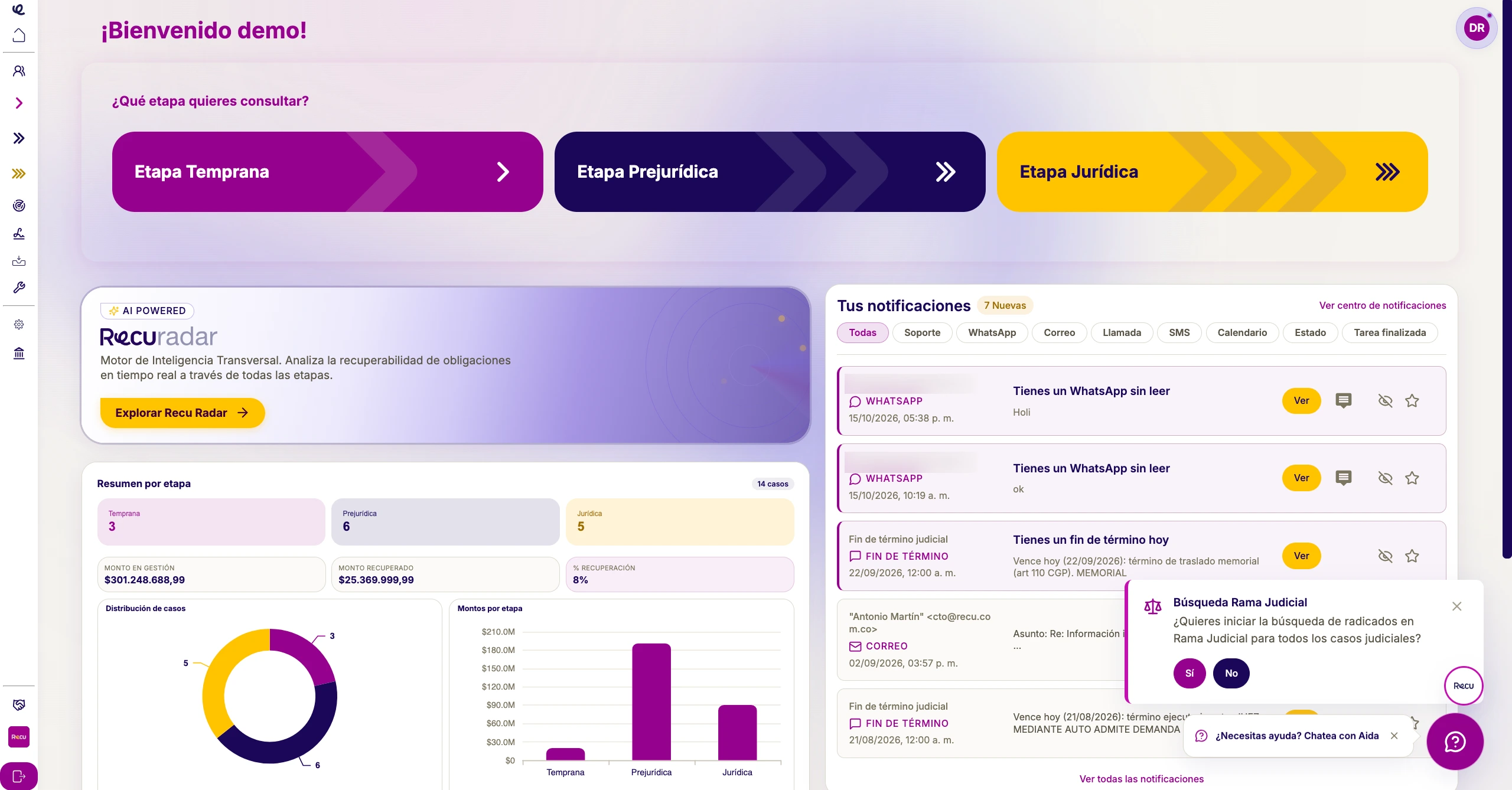
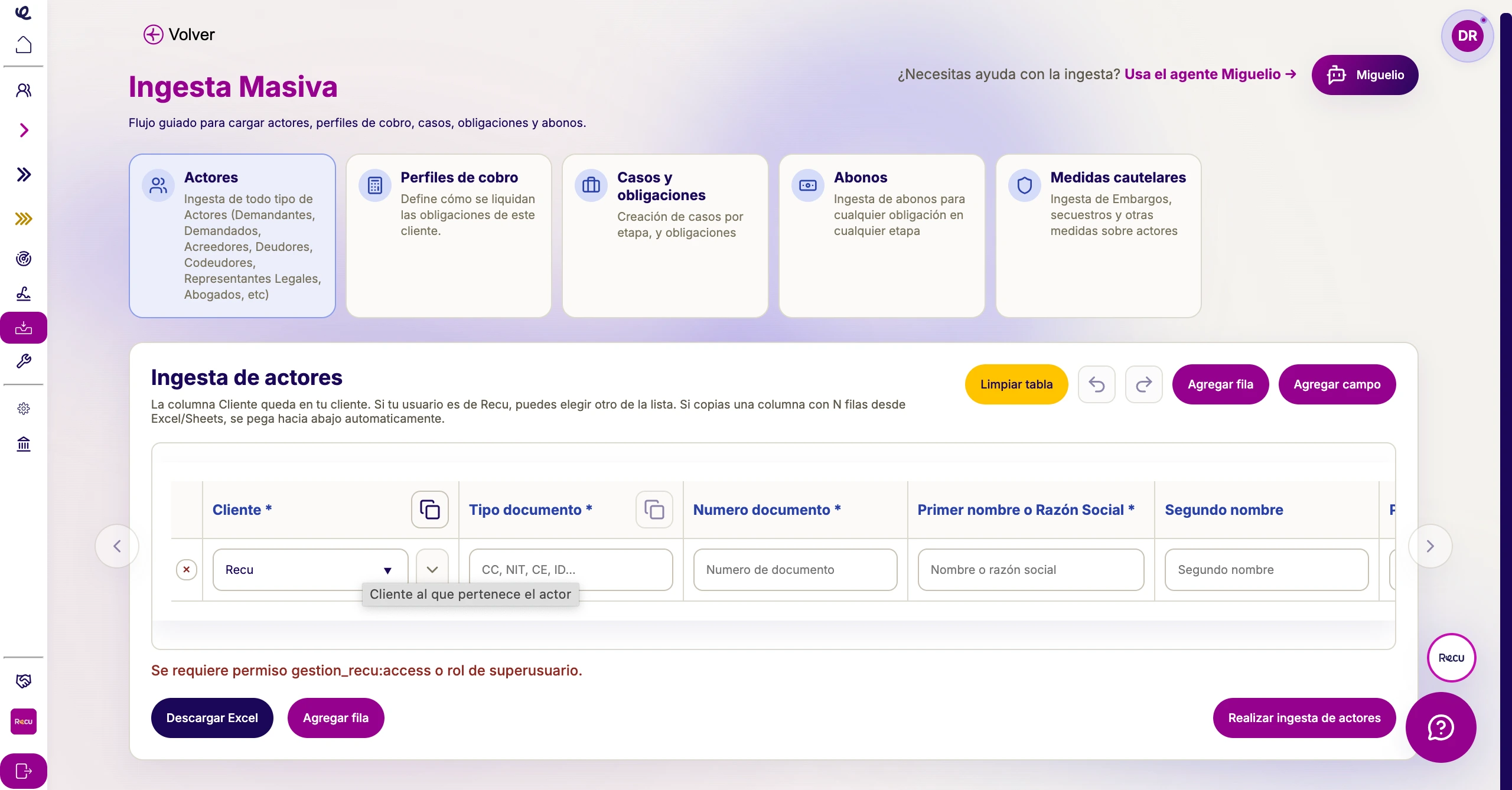
From document to signature, without leaving the platform
Templates with variables
Use variables like the debtor’s name or the case number, and the document fills in with the case data.
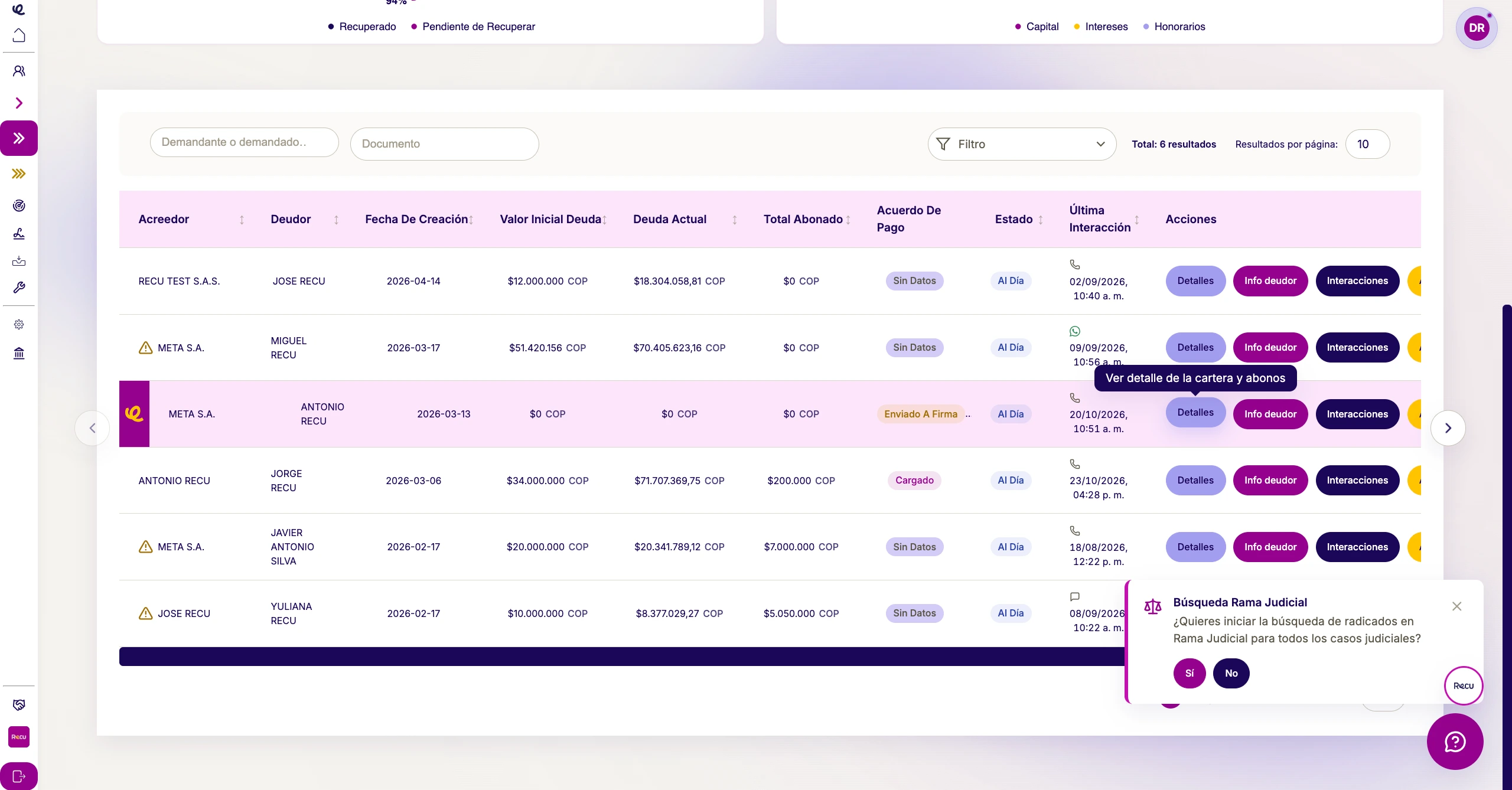
Debtor folder
Every generated document is saved in the debtor’s folder.
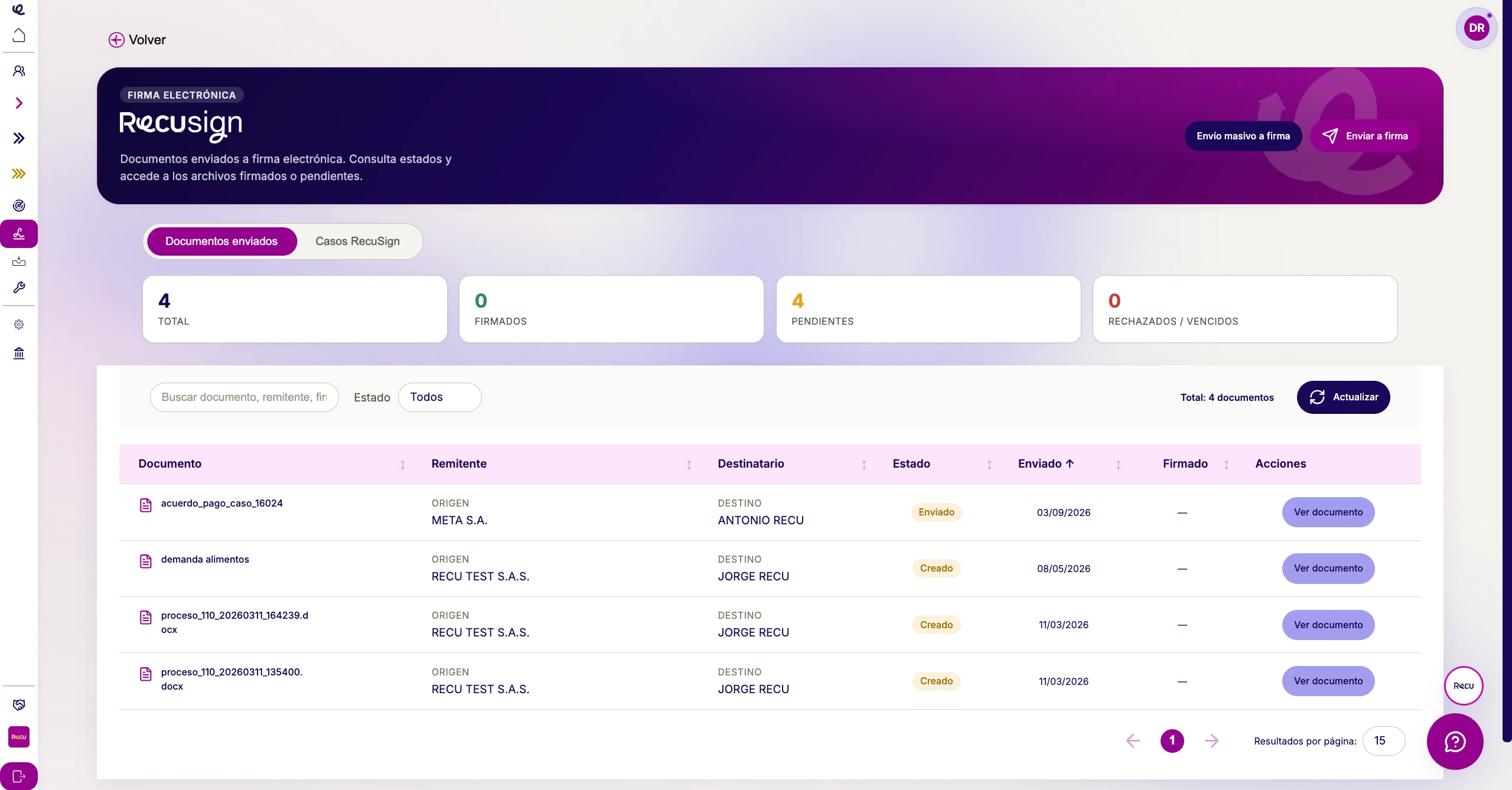
E-signature with RecuSign
Send documents for e-signature, provided by a third party.
And also
Built for your team's day-to-day work
Documents for lawyers, from templates
The generator creates the documents lawyers need from templates with variables, such as the debtor’s name or the case number, and saves them in the debtor’s folder.
Signed documents, saved on the case
Sign documents electronically with RecuSign. Signed documents are kept in the case’s documents section.
Where it is used
Documents at every part of collection
Everything on the case
The debtor’s documents are saved in their folder and on the case.
Payment agreements
Payment agreements can be sent for digital signature.
Court cases
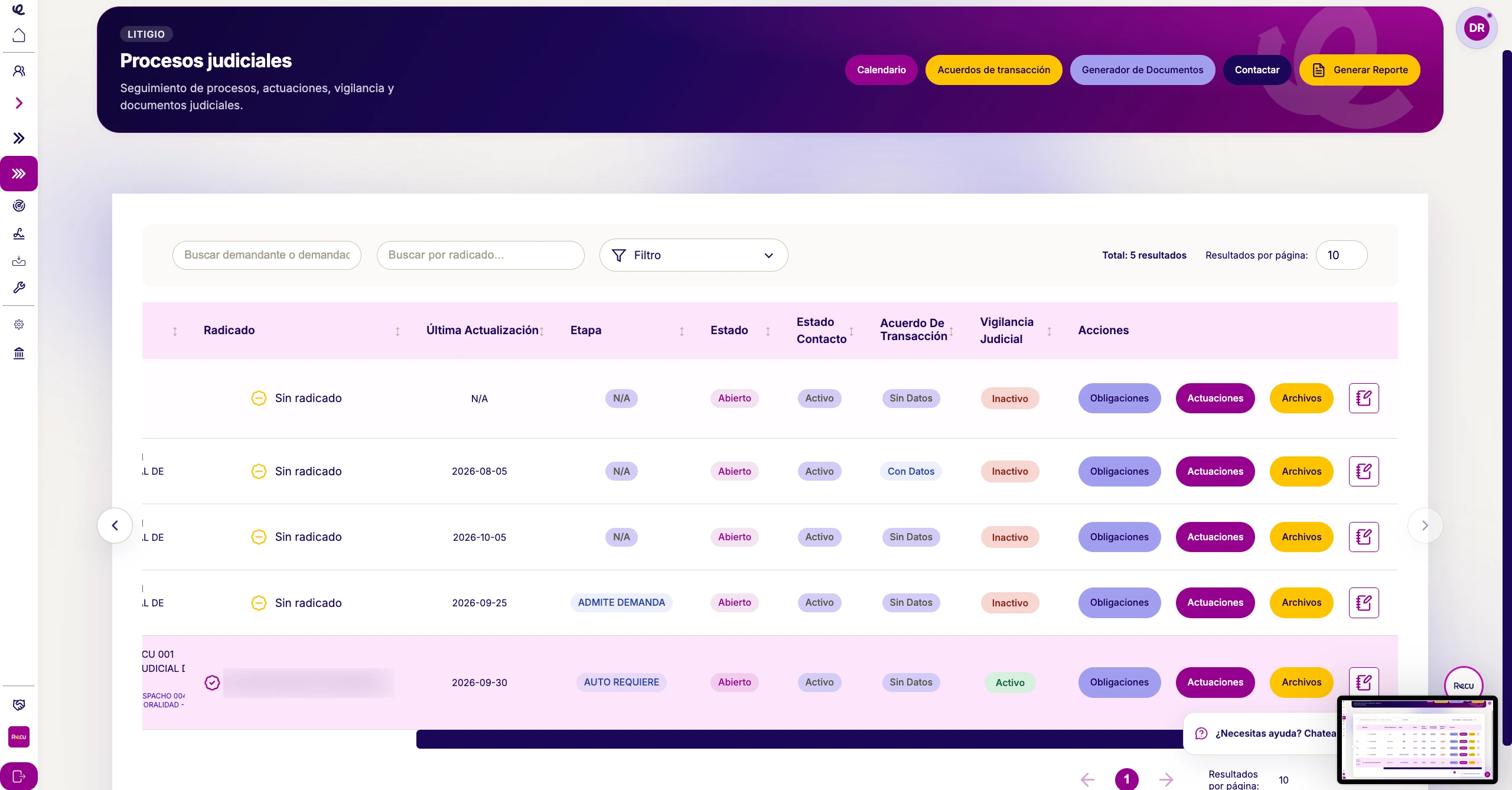
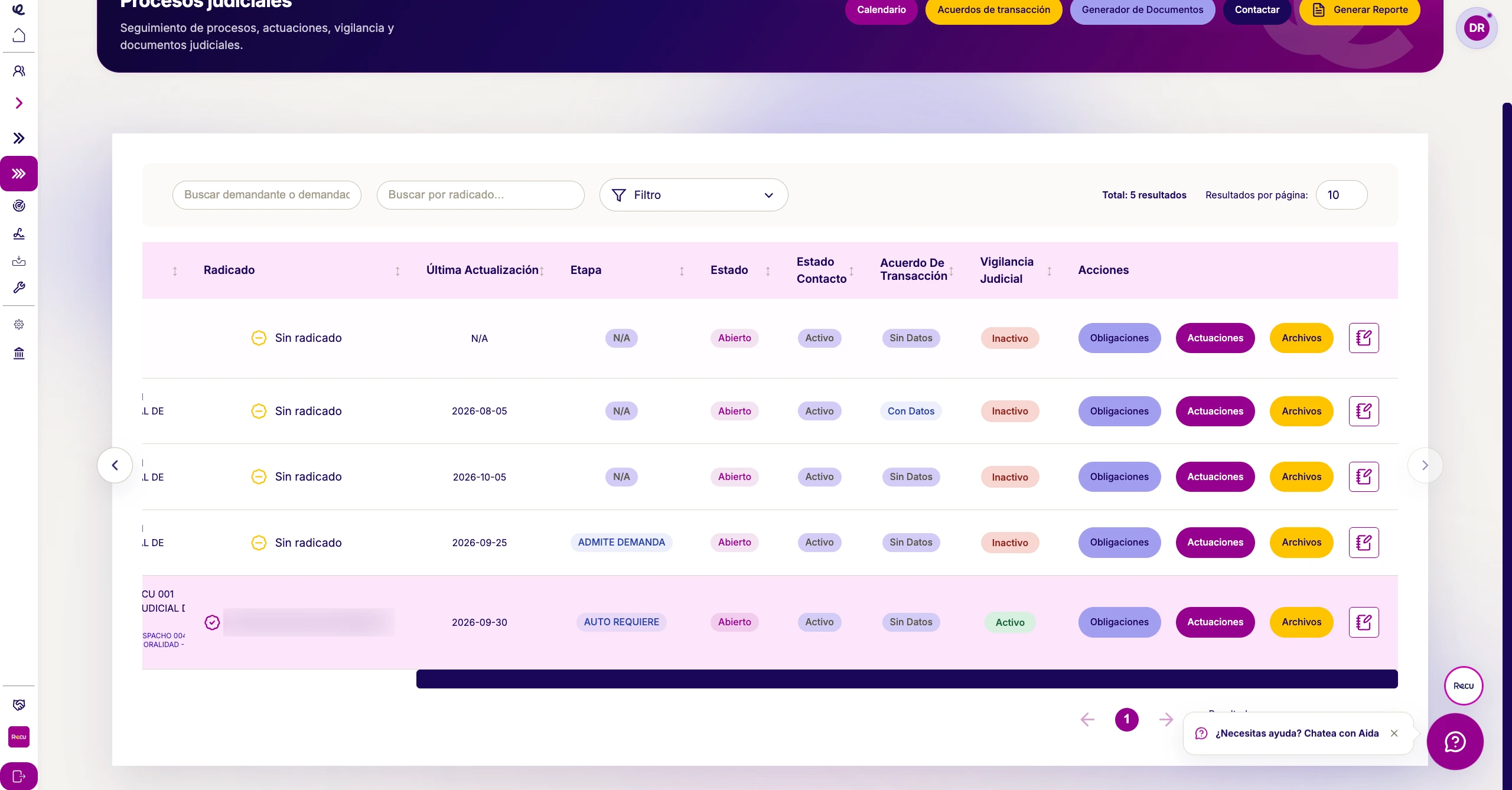
The case’s files and documents are stored on the platform, not in Drive folders.
How it works
From template to signature, in four steps
01
Choose the template
Select the document you need.
02
Use the variables
The name, case number, and other data are filled in with the case information.
03
Generate the document
It is saved in the debtor’s folder.
04
Send for signature
Sign it electronically with RecuSign.
Frequently asked questions
What people usually ask us about documents and signing